Account Invoices
Note:
The Invoices section under the Account tab of the Enterprise Portal is only available
- in case the feature is licensed on the CMP instance, and
- in Account context.
Service Provider Users can access a list of all Account invoices in the Invoices section of the Administration tab. See the Invoices section of the user manual for more information.
Introduction
Invoices section gives Enterprise Users information about the invoices that the CSP has issued to the User’s Account.
The Enterprise Portal's Invoices menu displays a list of past Invoices created in previous Billing Cycles. Individual invoice summary details can be viewed by selecting them from the Invoice list.
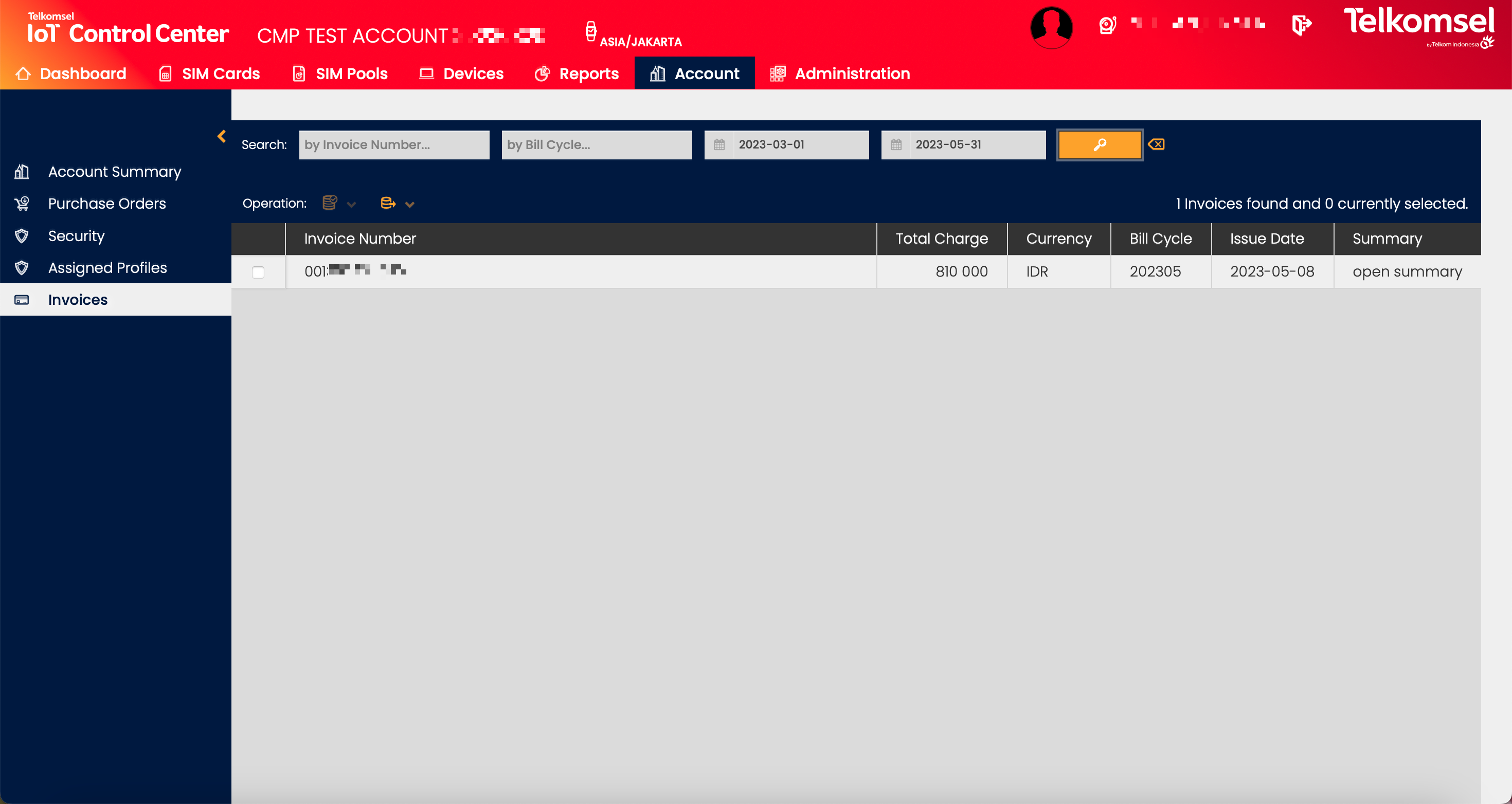
Search for an Invoice
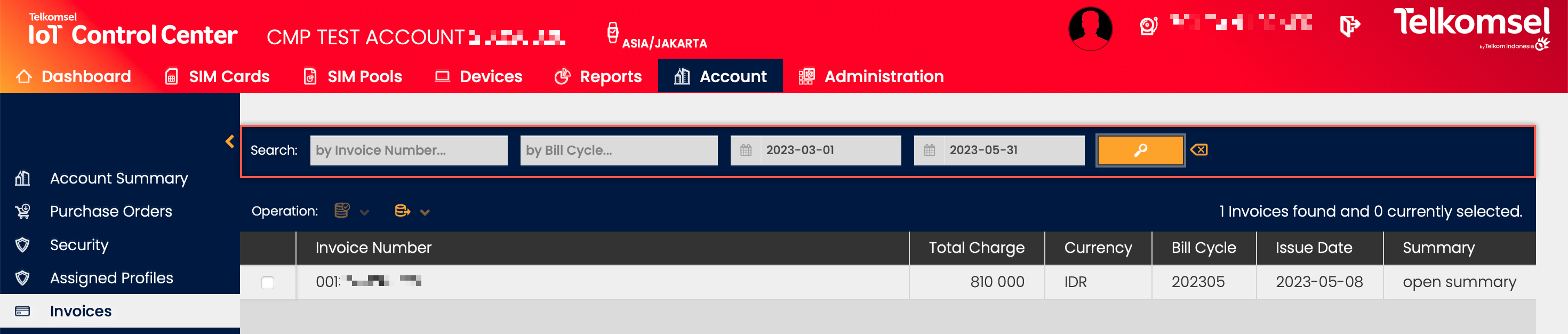
The search option of the Invoices module allows Users to retrieve a list of Invoices by entering Invoice Numbers into the Search field.
Search results may be filtered with the criteria given in the Search bar.
Filters:
- Issue Date (From-To)
- Due Date (From-To)
The inserted search and filter criteria can be removed by clicking on the Clear search  icon.
icon.
Download Invoice PDF
Users can download invoices in PDF format from the Invoices grid by clicking on the Download Invoice PDF File  icon in the Download column.
Export Invoices
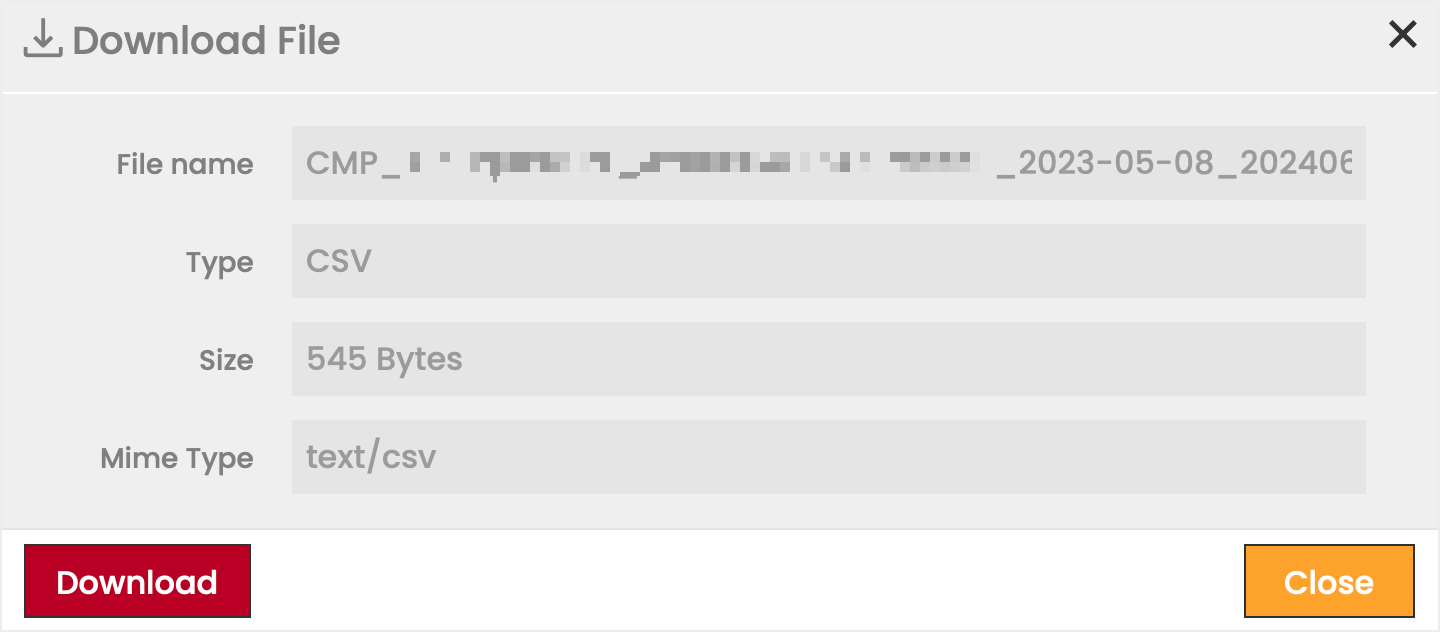
The Invoices grid allows users to select one or more invoices to export as  CSV or
  XLS files. The exported file contains the Invoice Summary for all selected Invoices.
To export invoices:
- Check the corresponding checkboxes to select one or more Invoices from the grid.
- Click on the Export
 icon.
icon. - Select the file format (CSV orXLS) in which the Invoice(s) will be exported.
- Click Download to finalize the export.
Invoice Summary
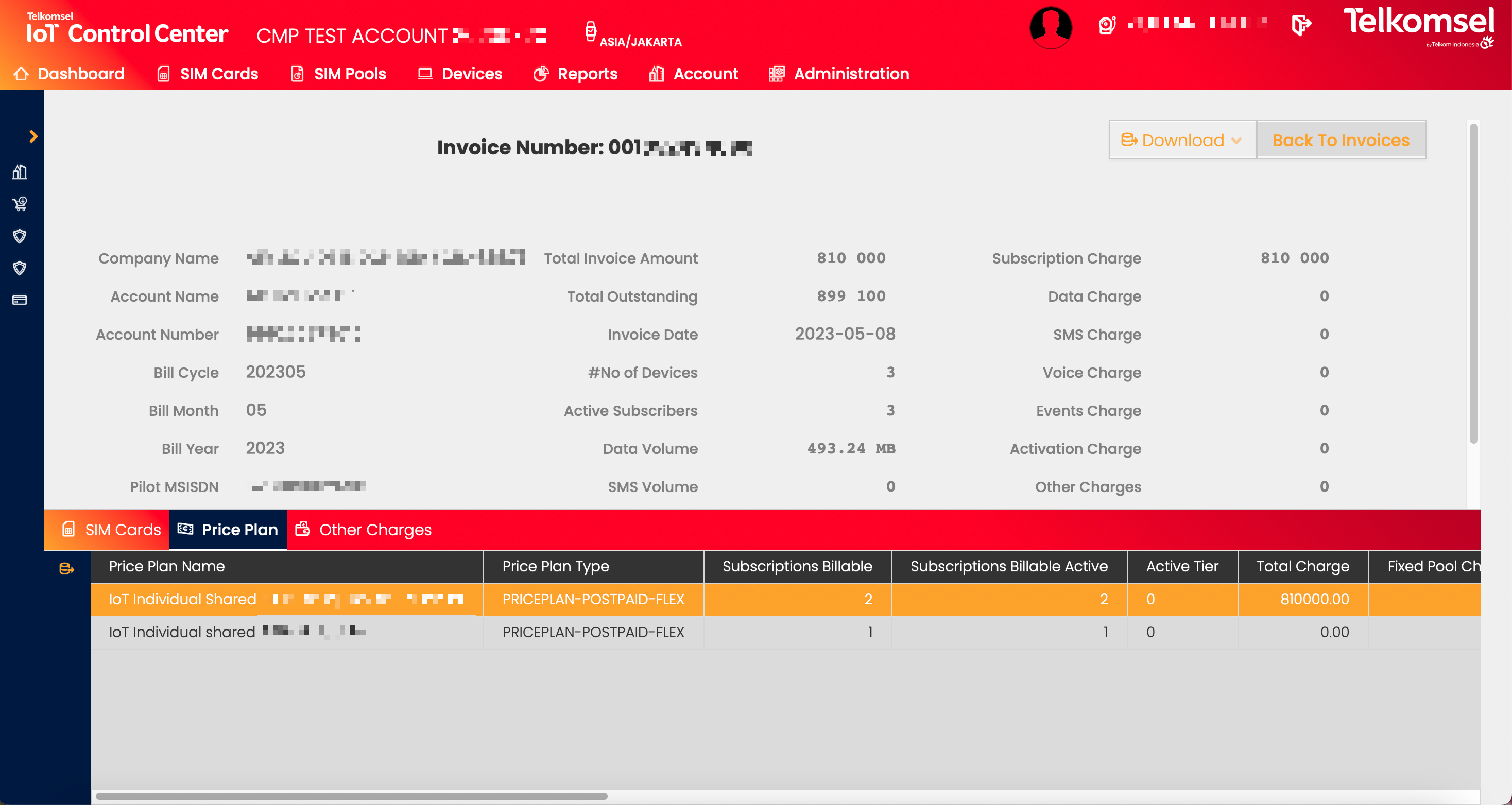
Individual invoice summary details can be viewed by selecting them from the Invoice list.
Click on Open summary in the row of the selected invoice in the Invoices grid to open the summary of that invoice.
Download Invoice Summary
By clicking the Download button and selecting the respective option, invoice summaries can be exported as CSV or XLS files.
Invoice Details
SIM Cards
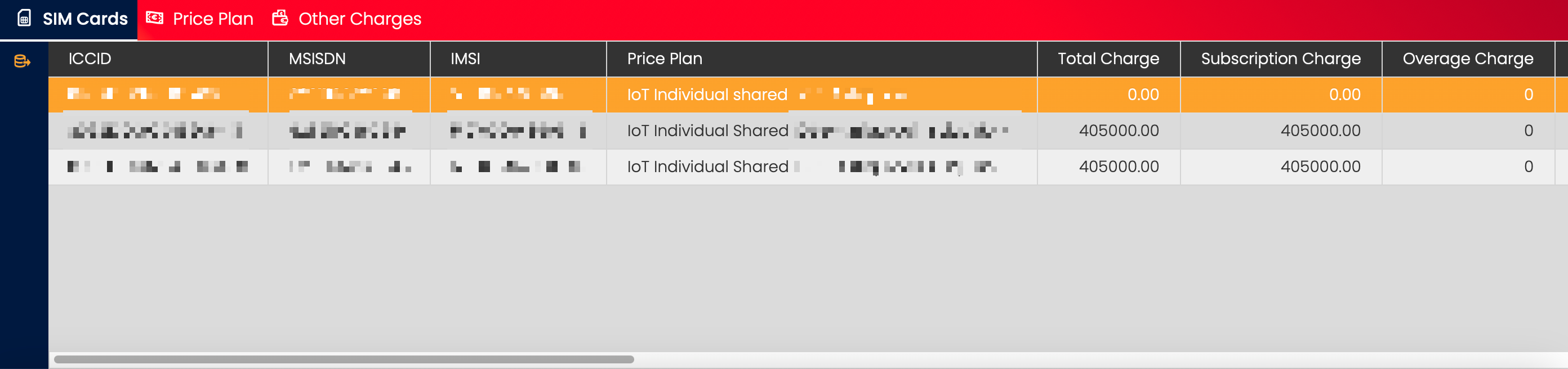
The SIM Cards tab shows information on each billable SIM Card in relation to the invoice.
By clicking on the Export icon, the information displayed in the SIM Cards tab can be exported.
Price Plan
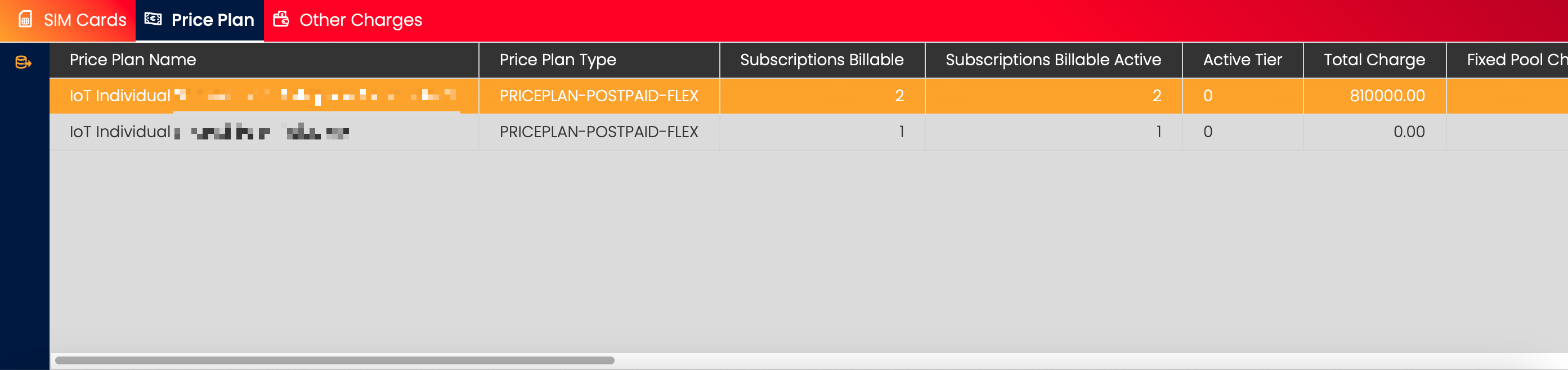
The Price Plan tab shows all the Price Plans with billable SIM Cards during the Billing Cycle.
By clicking on the Export icon, the information displayed in the SIM Cards tab can be exported.
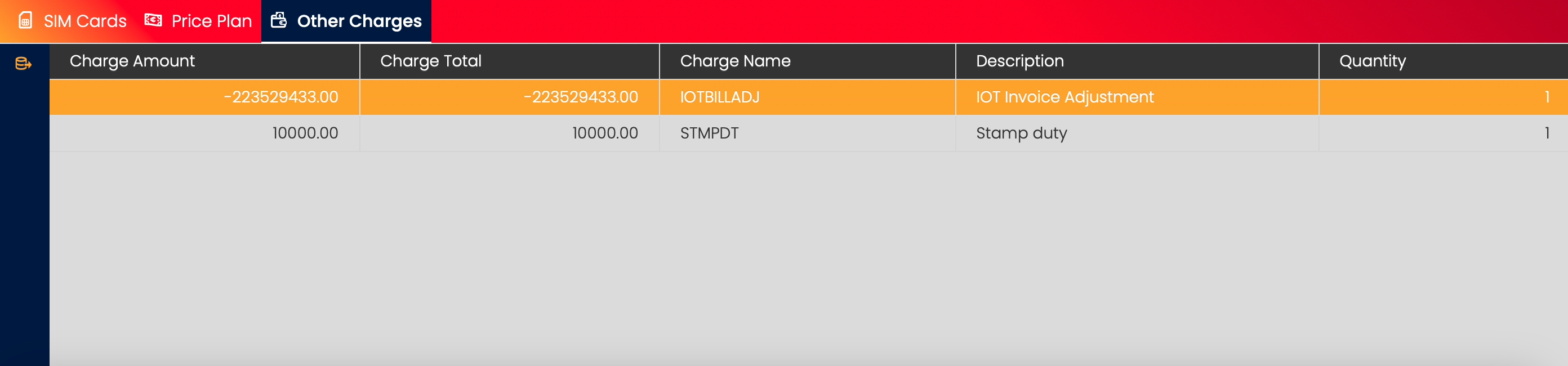
Other Charges
The Other Charges tab shows information on any miscellaneous charges for the Billing Cycle.
By clicking on the Export icon, the information displayed in the Other Charges tab can be exported.